Current lesson · 1 of 8
How Websites Work
12 min read
Learning objective
By the end of this lesson you can explain the fundamental process of how a web browser requests and displays website content from a server.
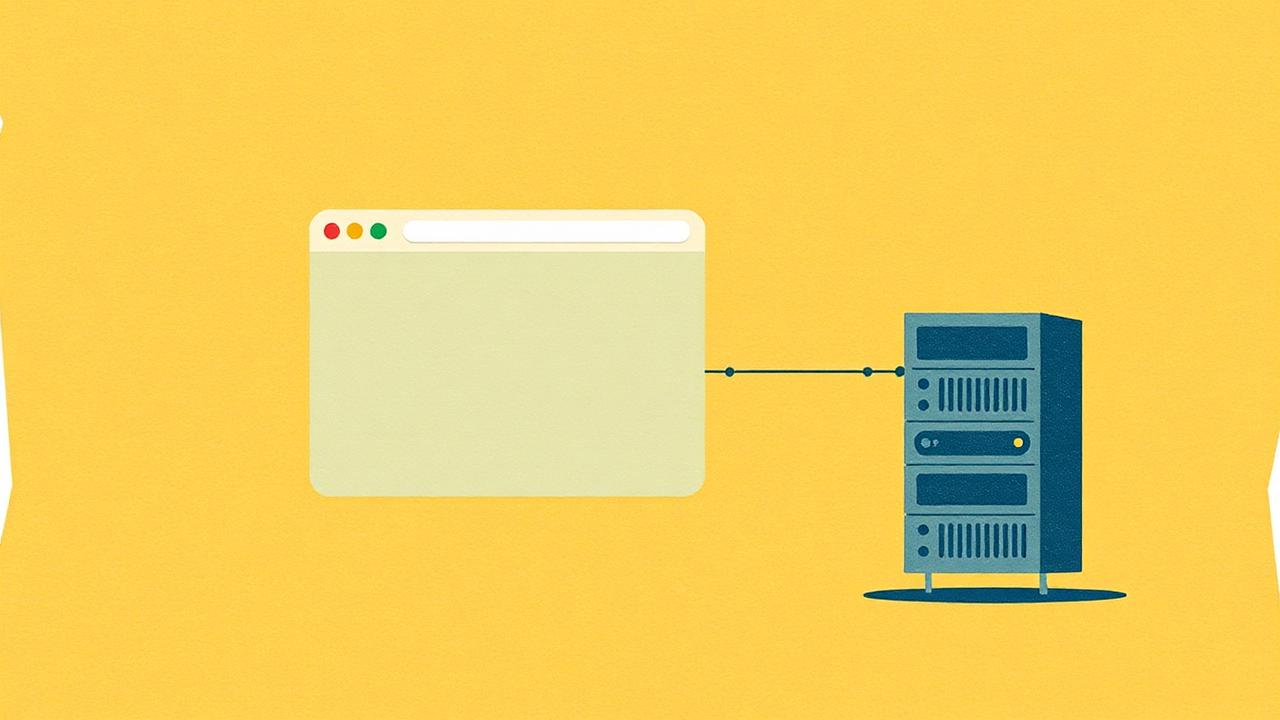

How Websites Work
Welcome. In this lesson we will cover how websites work. It takes about 12 min.
Voices are generated once, then kept on your phone. Replays use no data.
When you type a website address (like facebook.com) into your browser, your phone sends a request across the internet to a computer called a server. The server sends back files — HTML, CSS, and images — that your browser puts together to display the page. This happens in seconds, even across continents.
Three languages make up every website: HTML (the structure — like the walls and floors of a building), CSS (the styling — like paint, curtains, and furniture), and JavaScript (the interactivity — like light switches and door handles). As a web developer, you write these languages to create websites that businesses need. In Ghana and Nigeria, small businesses increasingly want simple websites — a menu page, a contact form, a photo gallery — and they will pay for it.
Diagrams for this lesson
Download them to study on paper, away from the phone.
Fault-find outward: device, cable, switch, router, then the line to the provider. Test one hop at a time.
Six hops, every time. When a site is slow or broken, name the hop before you touch the code.
Practice question
Which language is responsible for the STRUCTURE of a website?